1,200 vacation photos → the album worth showing.
A two-week trip comes home as a thousand photos and a promise to “go through them.” SpectraSort does the going-through: the trip is already gathered into a Scene, every shot comes back ranked, the eleven sunsets sit in one stack, and your picks land in an album — on the flight home.
It's already a Scene.
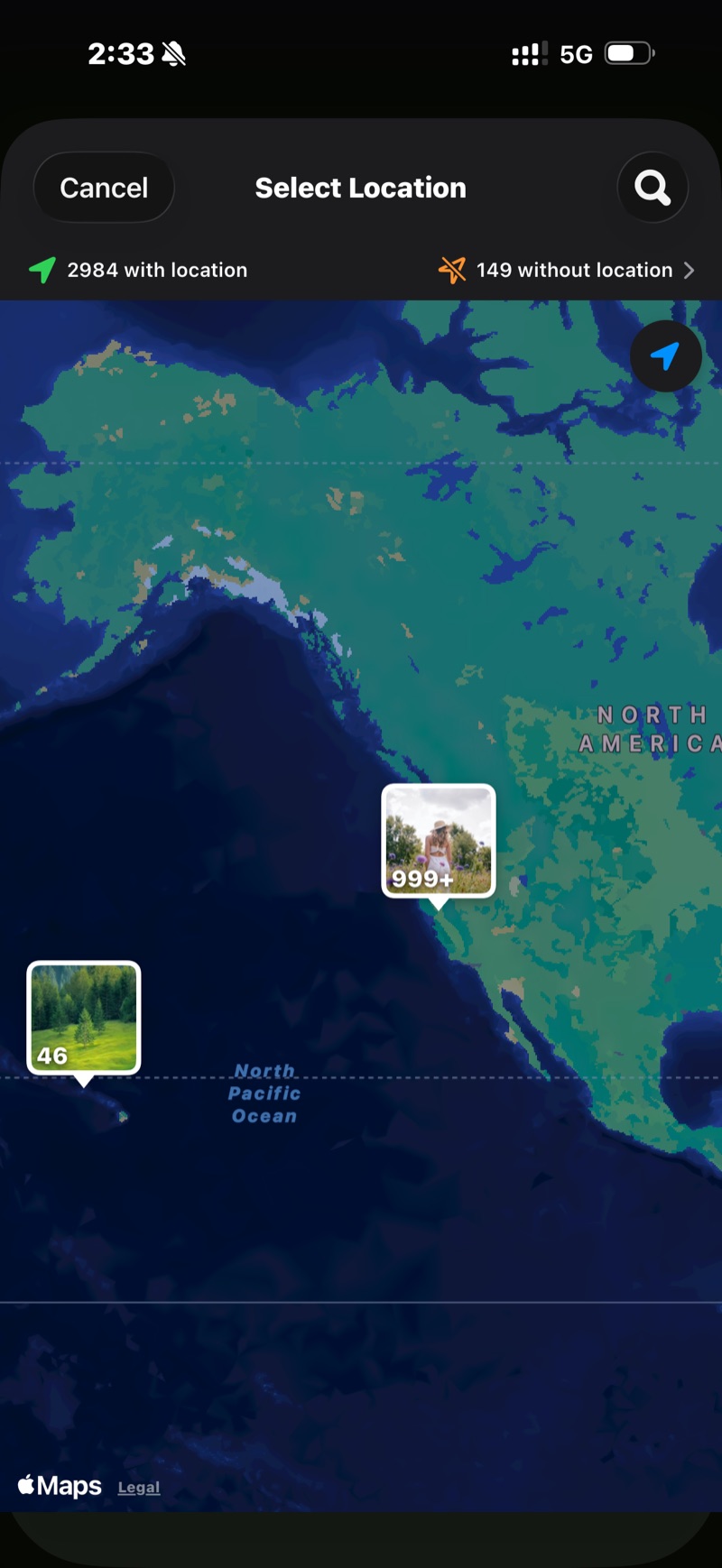
Open Discover and the trip is there, gathered by time and place — no album needed. Or tap Photos of a location and pin the city: every shot taken there, nothing else.
Photos from years ago count too. The pin finds the earlier trip you forgot you photographed.
The keepers rise before you swipe.
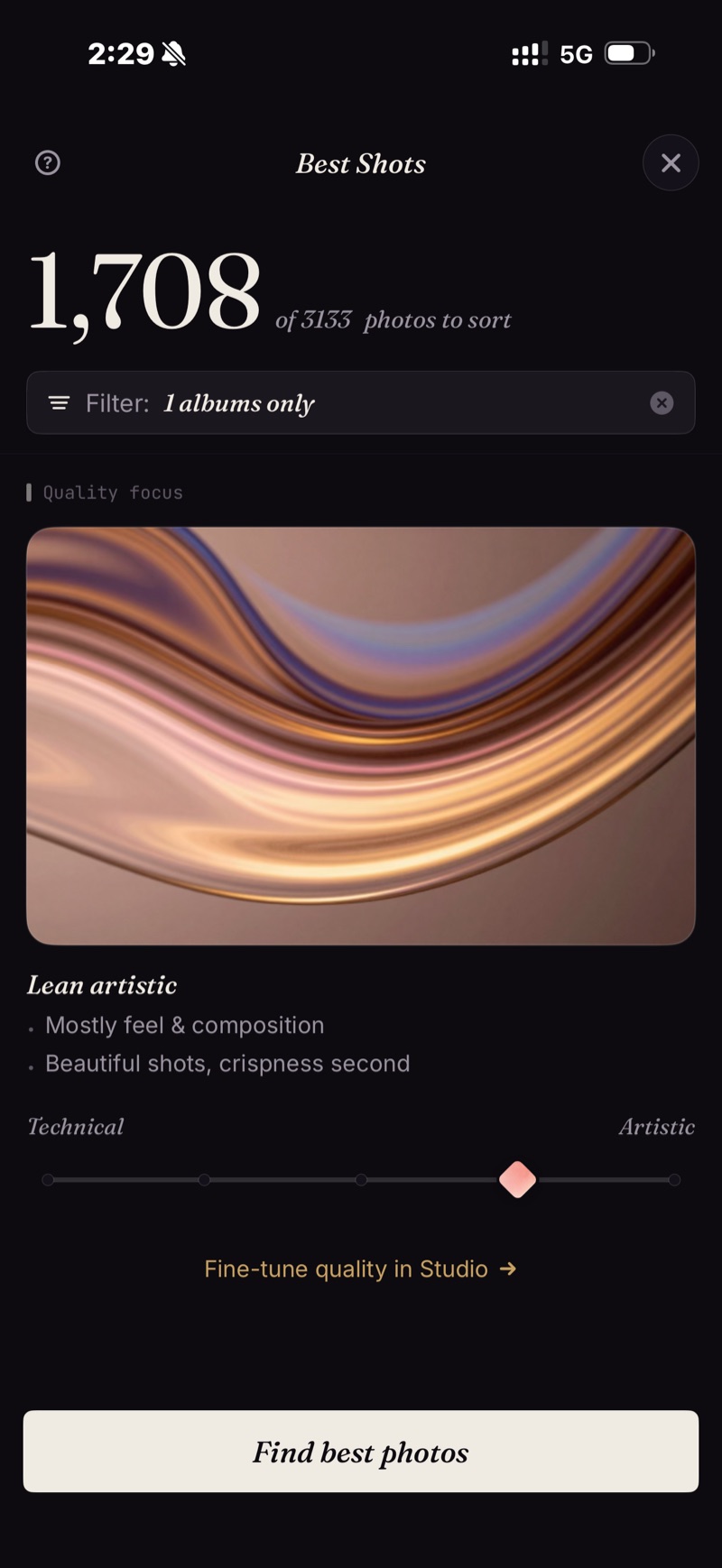
Best Shots puts the sharpest, best-composed frames on top. Your Taste, once it knows you, puts the ones you'd have picked on top. Either way the review starts with the winners, not with photo 1 of 1,200.
Lean the slider artistic for the sunsets and technical for the group shots.
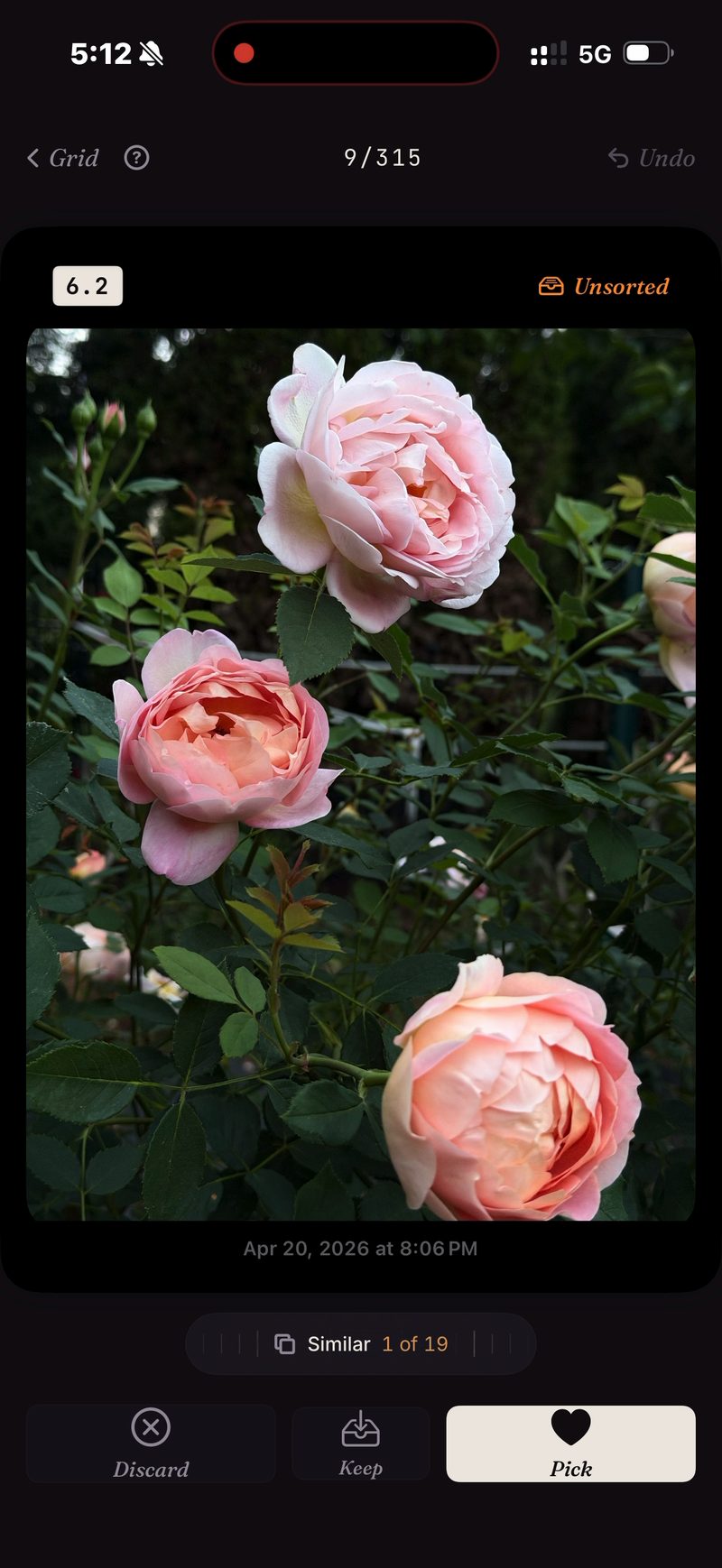
11 shots of the same sunset → one swipe.
Sunsets, group shots, the view from the hotel: every moment you photographed six times arrives as one stack with the sharpest flagged. Roll the wheel, keep one, move on.
Album made. Rest cleared.
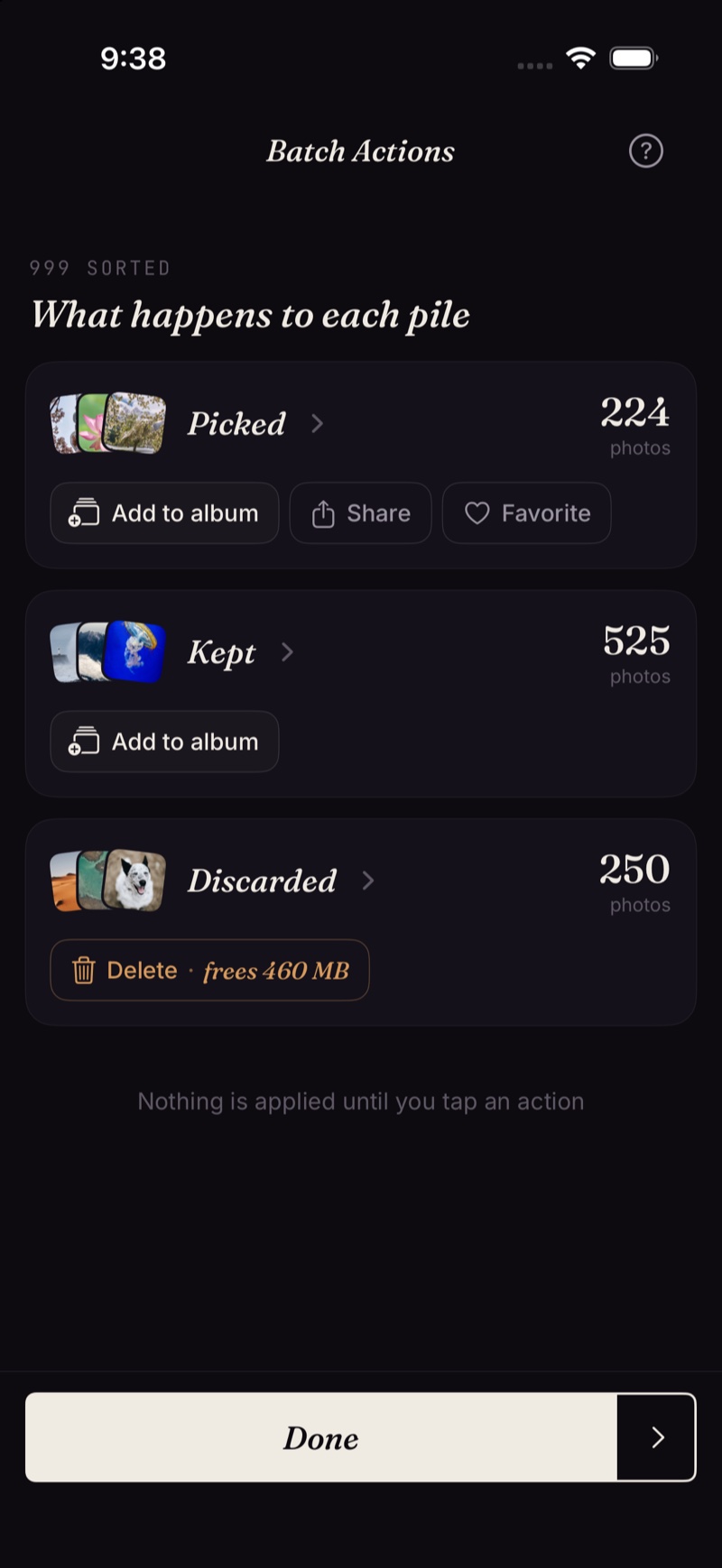
Batch Actions puts the picks in an album that shows up in Apple Photos — and in the share sheet, for the group chat. Keep the rest, or clear them through the system dialog into Recently Deleted.
The fine print
Scenes, the scores and the taste profile all run on the iPhone's Neural Engine. Nothing is uploaded and there's no account. More on how that works →
- iPhone only, iOS 18.5 or later. No iPad, Android or desktop version.
- The very first index of a big library takes some time. After that it's automatic — new photos are indexed as they appear, so you don't wait again.
- Place search by name uses Apple Maps and needs a connection. Scenes, the Timeline and the sort itself work offline.
- Deleted photos go through iOS's own trash: they land in Recently Deleted, and the storage comes back the moment you empty that album there — or automatically after 30 days.
Five free actions a week. Pay once for unlimited.
Five free actions a week, with no account and no credit card. Pay $19.99 once for unlimited actions. No subscription, ever. Built by an indie dev who uses it daily.
Download on the App Store