The photo organizer that finishes the job.
Scenes gather your trips, themes and series without a single tag. Sort any one of them, swipe the winners in, and Batch Actions files them into an album that shows up in Apple Photos. Tens of thousands of photos become the ones worth keeping — in one sitting, on your phone.
The albums you never made, already made.
Organizing a camera roll is two jobs: grouping what belongs together, then deciding what deserves to stay. Most organizer apps stop after the first. This one does both.
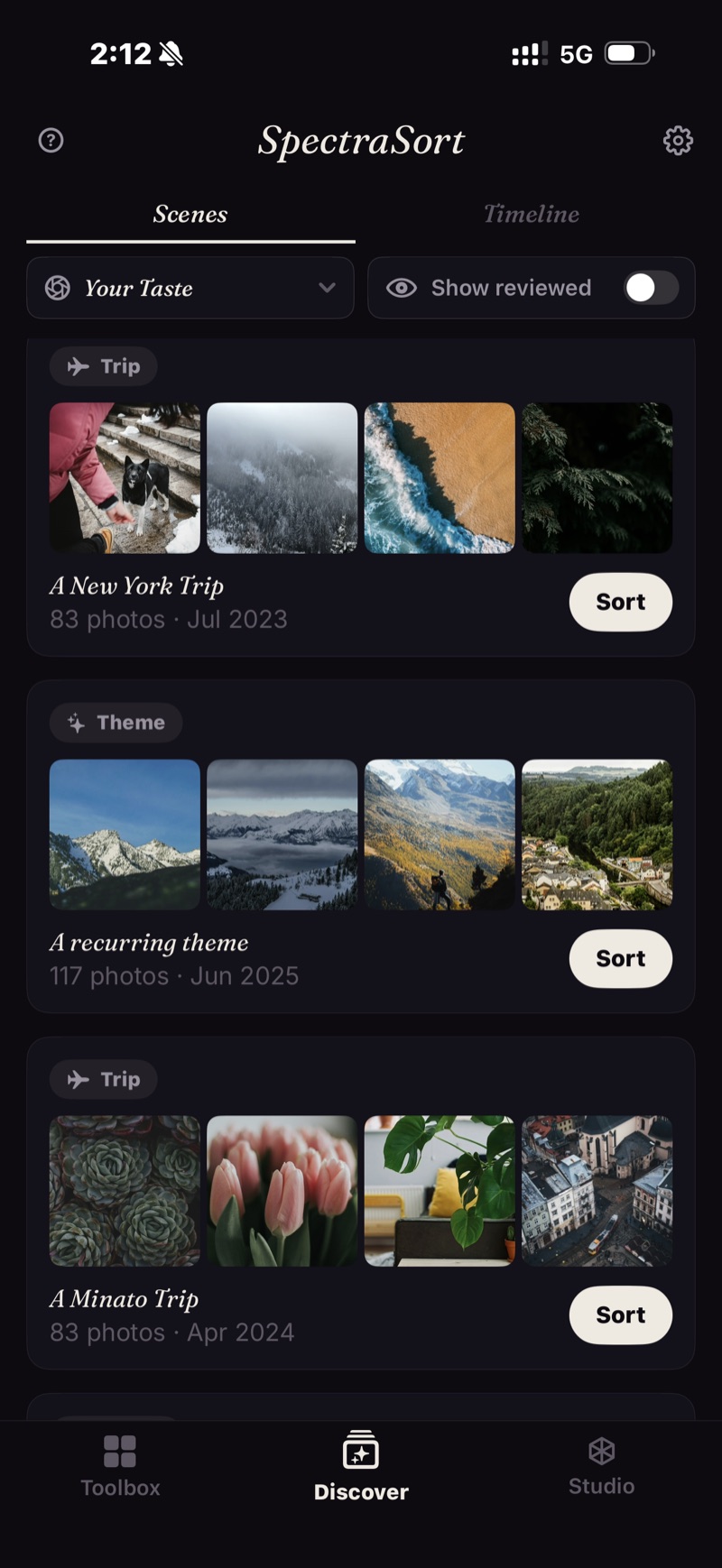
Open Discover and the trips, days and themes are there — the weekend in the mountains, the dog series, the concert. Nothing to create, nothing to drag.
Each Scene sorts on its own. Tap Sort to keep the best of that moment.
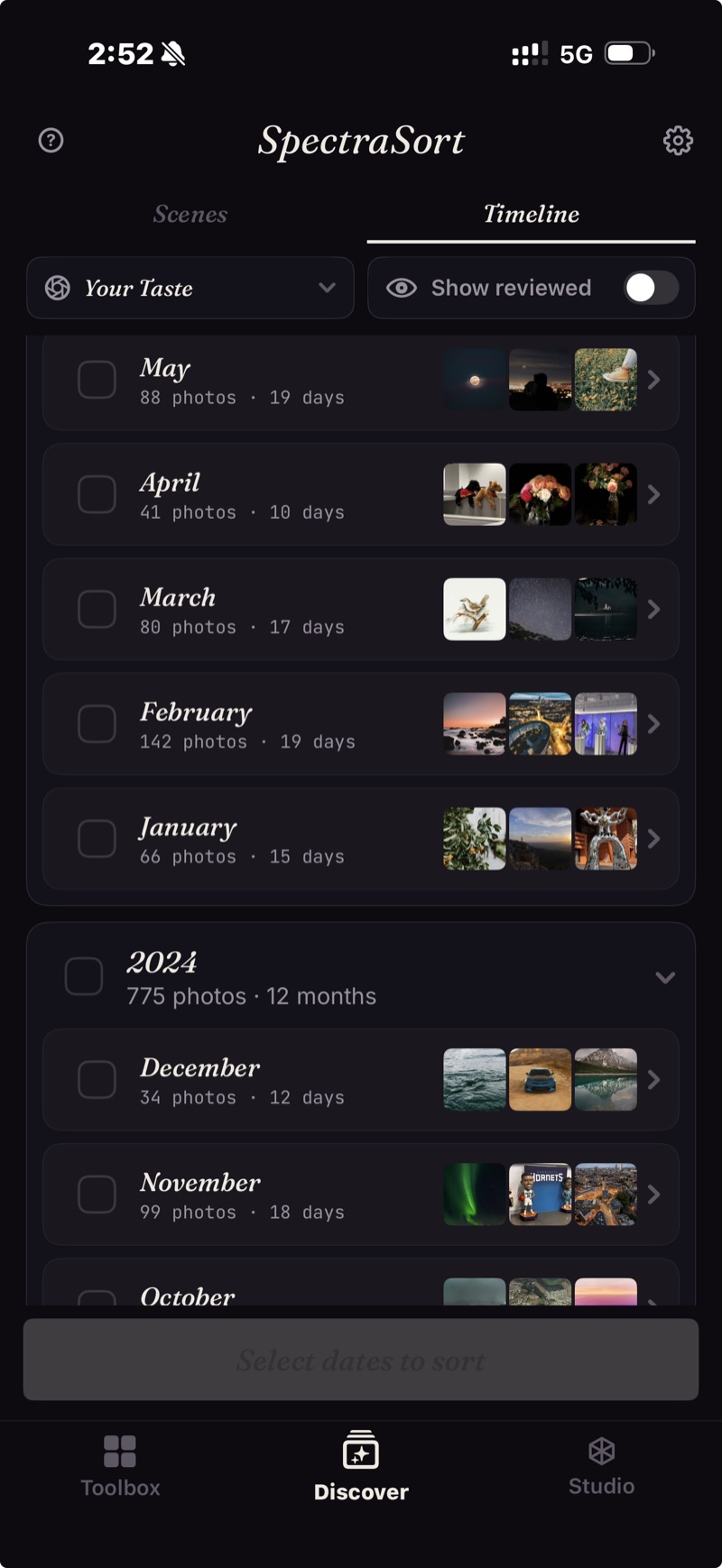
Year → month → day. Never the whole library at once.
Face tens of thousands one month at a time. Tick the months you want and sort them together.
Prefer your own slice? Filters narrow by date range, place or album — and leave out screenshots, app folders, or anything you've already reviewed.
From a pile to an album.
Every slice comes back scored — by quality, by your taste, or by what you asked for — with the strongest on top. Right to pick, down to keep, left to let go.
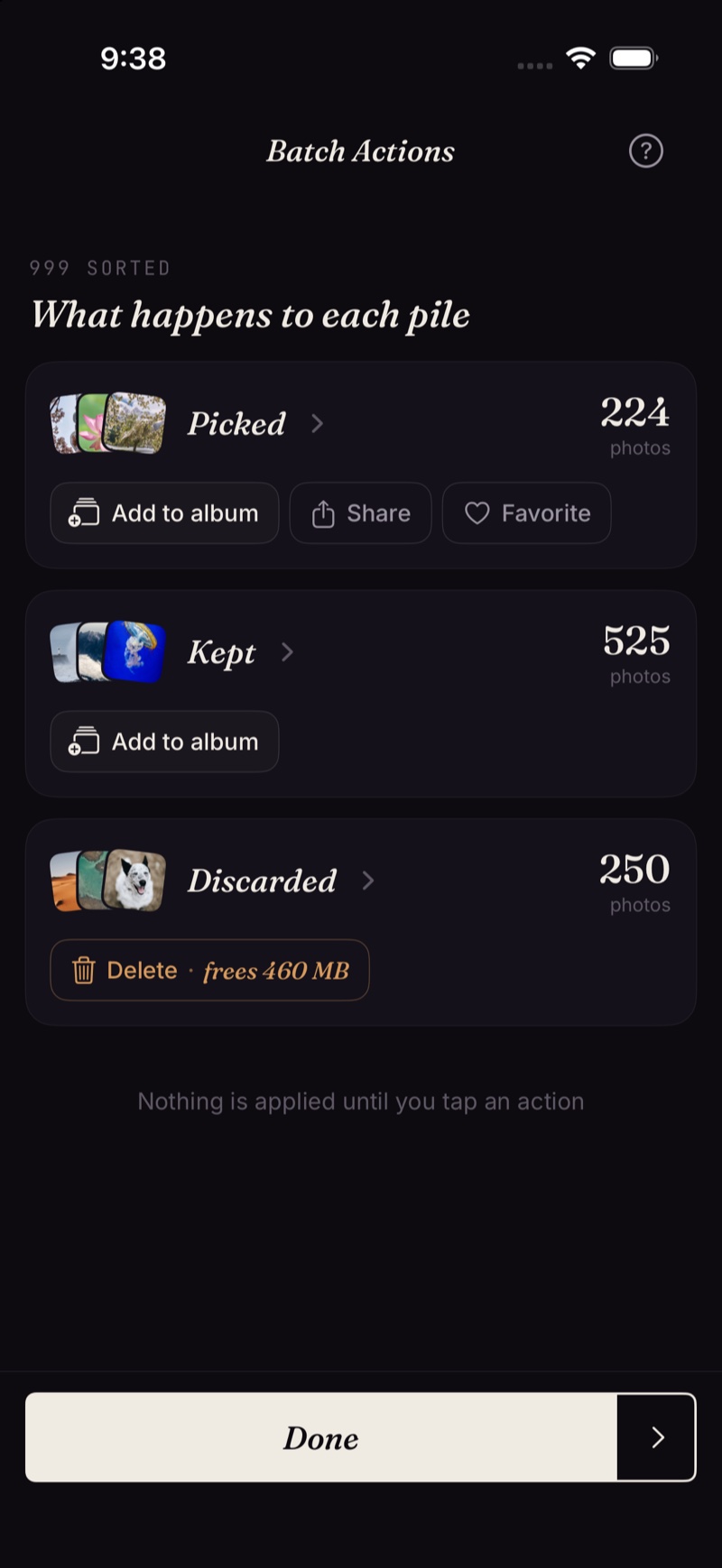
Batch Actions finishes it in one screen: picks into one or more albums, favorites starred, the rest cleared through the system dialog.
Your Taste
Thirty picks build it; every review after that sharpens it. Sorting by Your Taste then produces the album you'd have curated by hand — a profile built and stored on the phone. How the picking works →
The fine print
Scenes, the index, the scores and the profile are all computed on the iPhone's Neural Engine. Organizing your library uploads nothing and needs no account. More on how that works →
- It organizes your photo library only. It doesn't touch files, documents or anything else on the phone.
- iPhone only, iOS 18.5 or later. No iPad, Android or desktop version.
- The very first index of a big library takes some time. After that it's automatic — new photos are indexed as they appear, so you don't wait again.
- Deleted photos go through iOS's own trash: they land in Recently Deleted, and the storage comes back the moment you empty that album there — or automatically after 30 days.
Five free actions a week. Pay once for unlimited.
Five free actions a week, with no account and no credit card. Pay $19.99 once for unlimited actions. No subscription, ever. Built by an indie dev who uses it daily.
Download on the App Store