Photo culling, on your iPhone.
Culling means keeping the best and letting go of the rest. It used to require a desktop, an import, and a free evening. SpectraSort runs the whole workflow on the phone your photos are already on, and it ranks every frame before you swipe a single one.
Why culling exists
Photographers cull because a shoot always produces more frames than it should deliver. You shoot 500 and hand over 40. A camera roll has the same math and none of the tooling: a two-week trip comes home as 1,200 photos, and the built-in way to deal with them is scrolling.
Desktop tools solved this for working photographers, with ratings, side-by-side compares, and keyboard-speed review. Your camera roll lives somewhere else. SpectraSort rebuilds that workflow for the phone, and adds something the desktop tools never had: the frames show up already ranked.
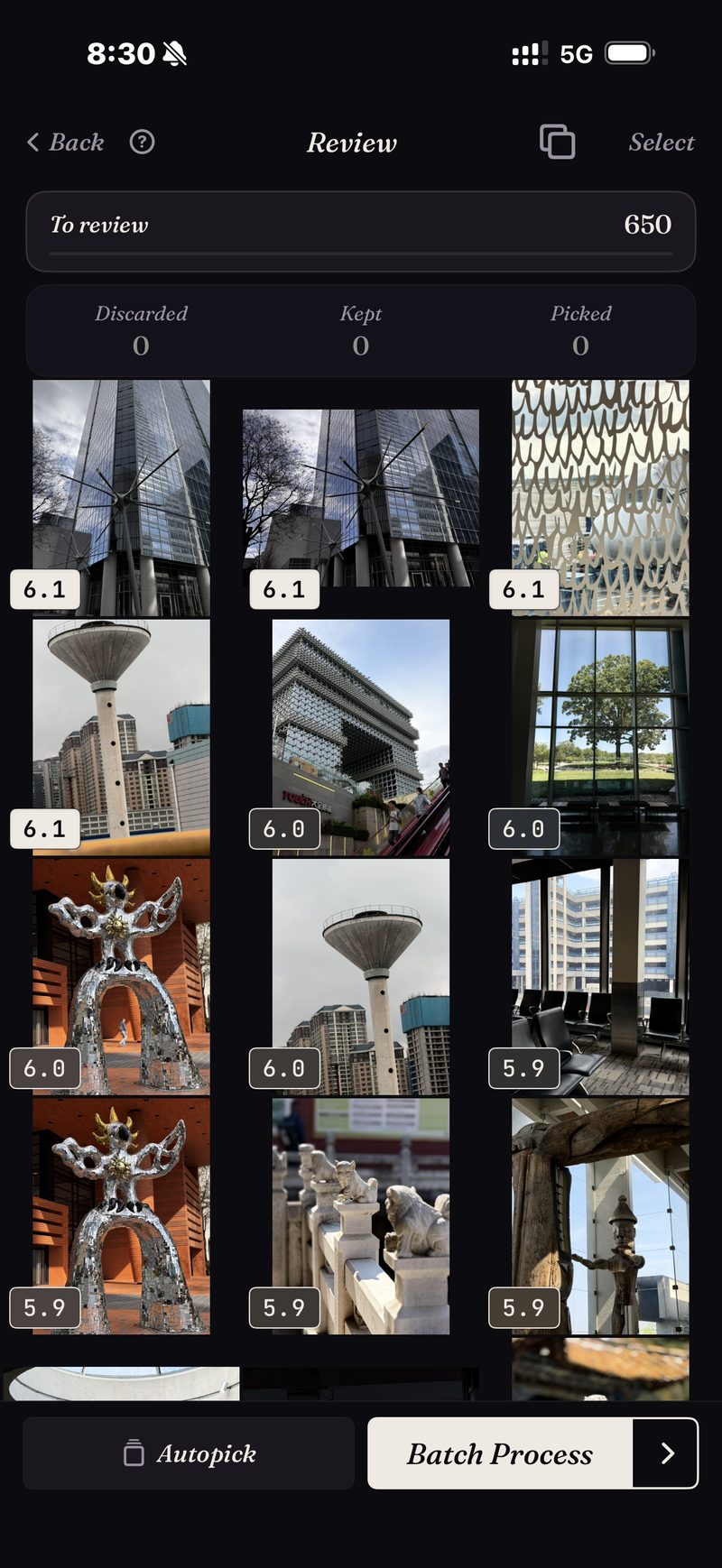
The review starts at the top of the pile.
Point a sort at a trip, a scene, or a search, and every frame comes back scored for sharpness, exposure and composition. Ask it to, and it will also weigh how much each photo looks like the ones you usually keep. The strongest frames are on top before you've made a single decision.
The capture here is a real pass: a 650-photo architecture slice, every frame scored, strongest first — and it came back in a moment, because the library was already indexed from earlier sorts. Indexing happens once and then keeps itself current: the app picks up new photos as they appear, at up to 100 photos a second on recent iPhones.
If you want different criteria, Studio has seven quality axes, a wheel that trades subject match against quality, and profiles you can save.
Nineteen takes of one moment cost one decision.
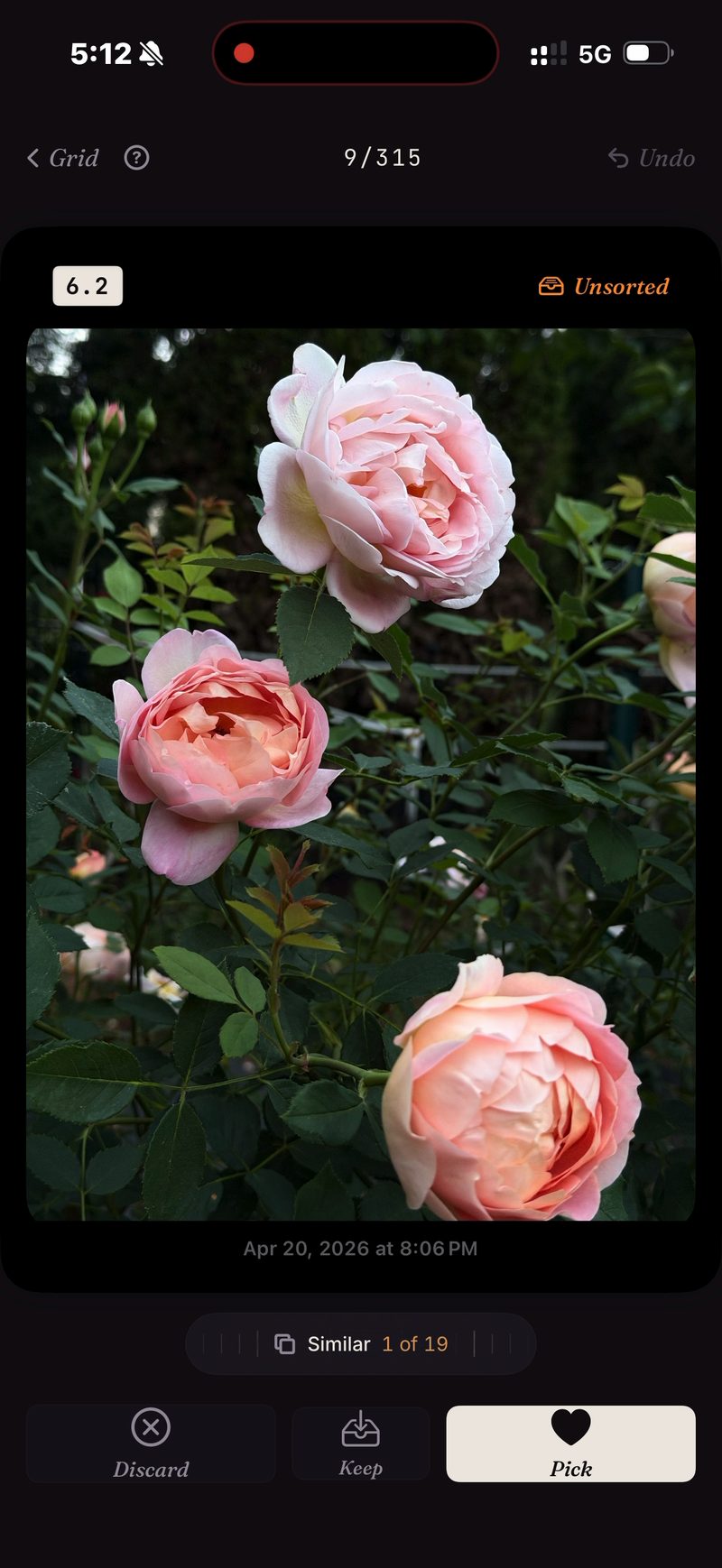
Near-identical shots are what make manual culls slow, because every extra take is another comparison. SpectraSort groups duplicates, bursts and look-alikes into stacks before the review starts.
A stack sits on a single wheel. You roll through the takes without leaving the photo, keep the one you want, and the stack is done. The screenshot is from a real dedupe pass: the same rose, 19 takes, one wheel.
Then the swipes: right to pick, down to keep, left to let go. Or let Autopick file the whole slice by score in one tap and just skim the result.
The fine print
Indexing, scoring and the taste profile all run on the iPhone's Neural Engine. Nothing gets uploaded and there's no account. More on how that works →
- Your attention is still the slow part. The ranking already does the judging — winners on top, and Autopick can file the whole queue by score in one tap — but skimming the result is still on you, and nothing touches your library until you act.
- iPhone only, iOS 18.5 or later. No iPad, Android or desktop version.
- The very first index of a big library takes some time. After that it's automatic — new photos are indexed as they appear, so you don't wait again.
- Deleted photos go through iOS's own trash: they land in Recently Deleted, and the storage comes back the moment you empty that album there — or automatically after 30 days. Each Delete in SpectraSort shows the storage it frees before you confirm.
Five free actions a week. Pay once for unlimited.
Five free actions a week, with no account and no credit card. Pay $19.99 once for unlimited actions. No subscription, ever. Built by an indie dev who uses it daily.
Download on the App Store